What Is ItziPDF?
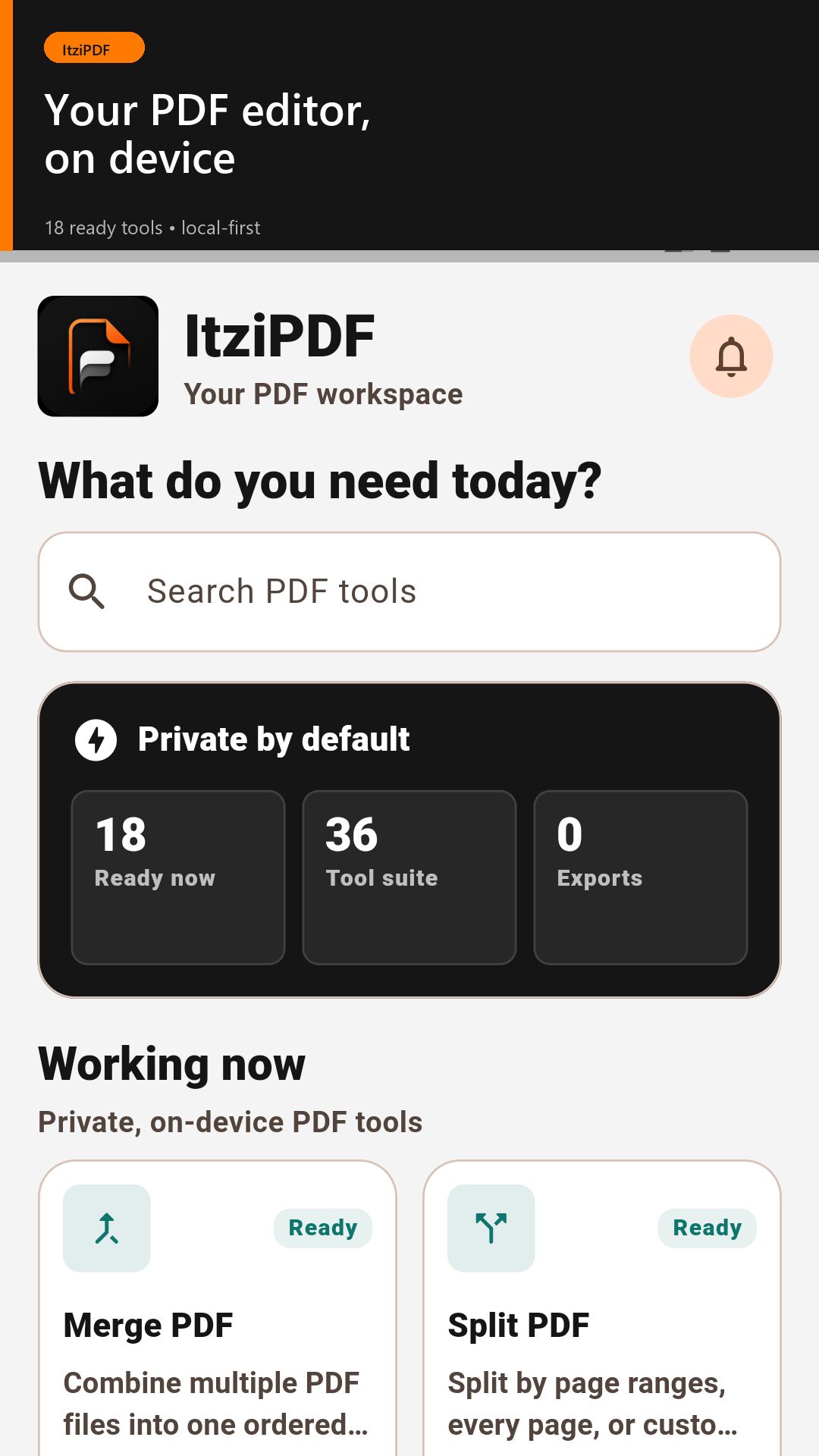
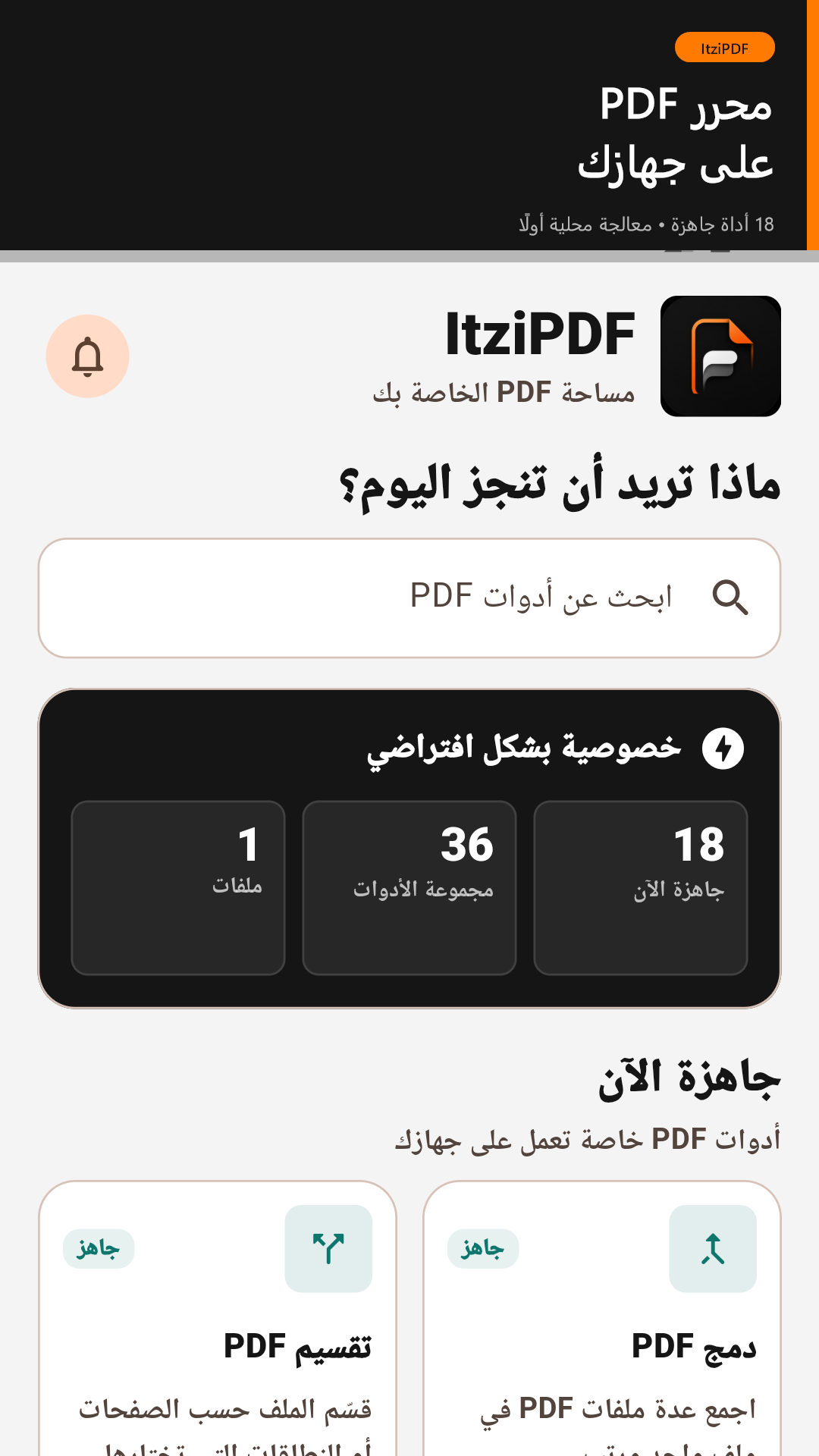
ItziPDF is a local-first PDF toolkit created by ItziGroup. It helps students, professionals, businesses, and everyday users process, read, and organize documents without relying on complicated desktop software.
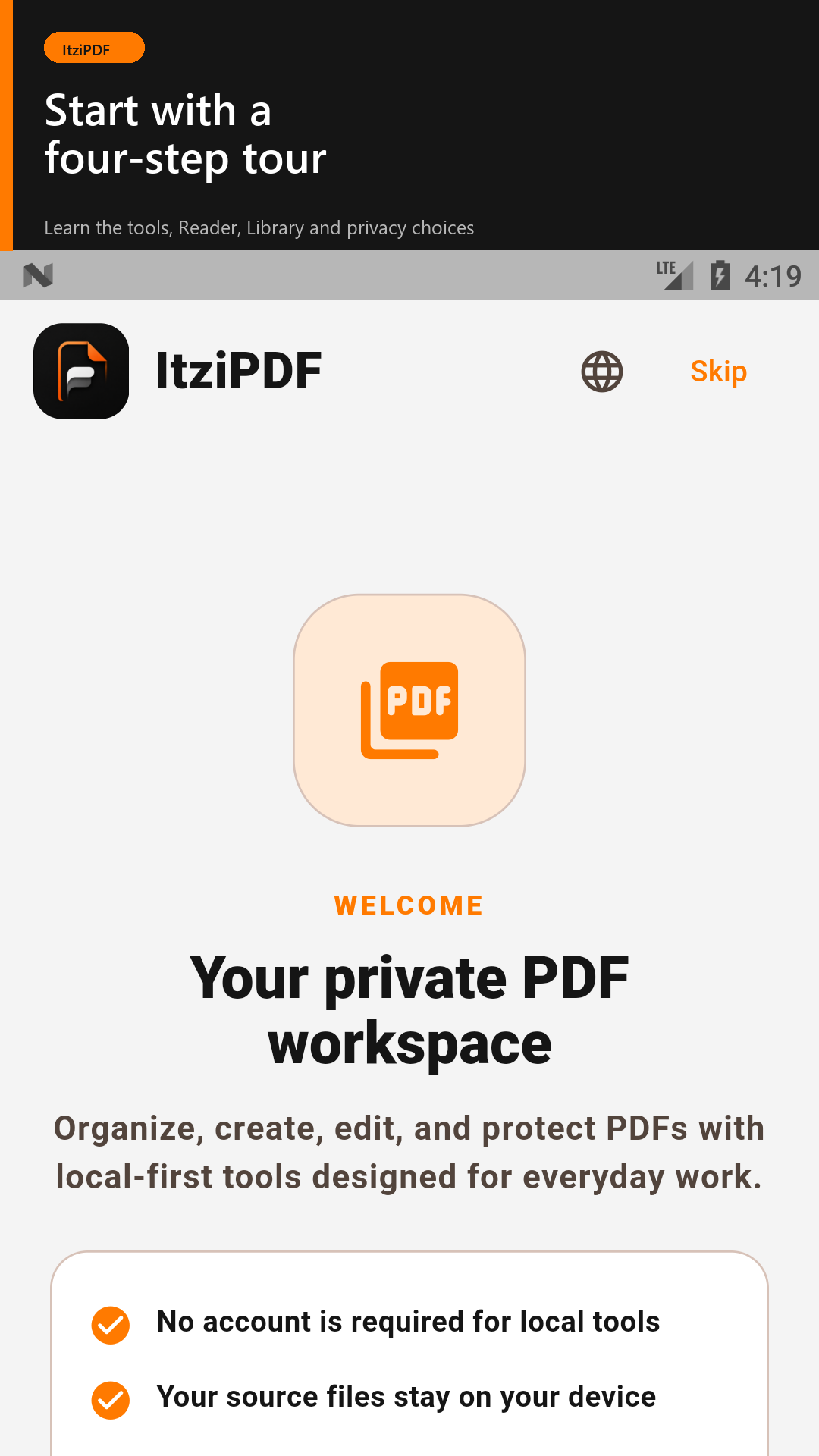
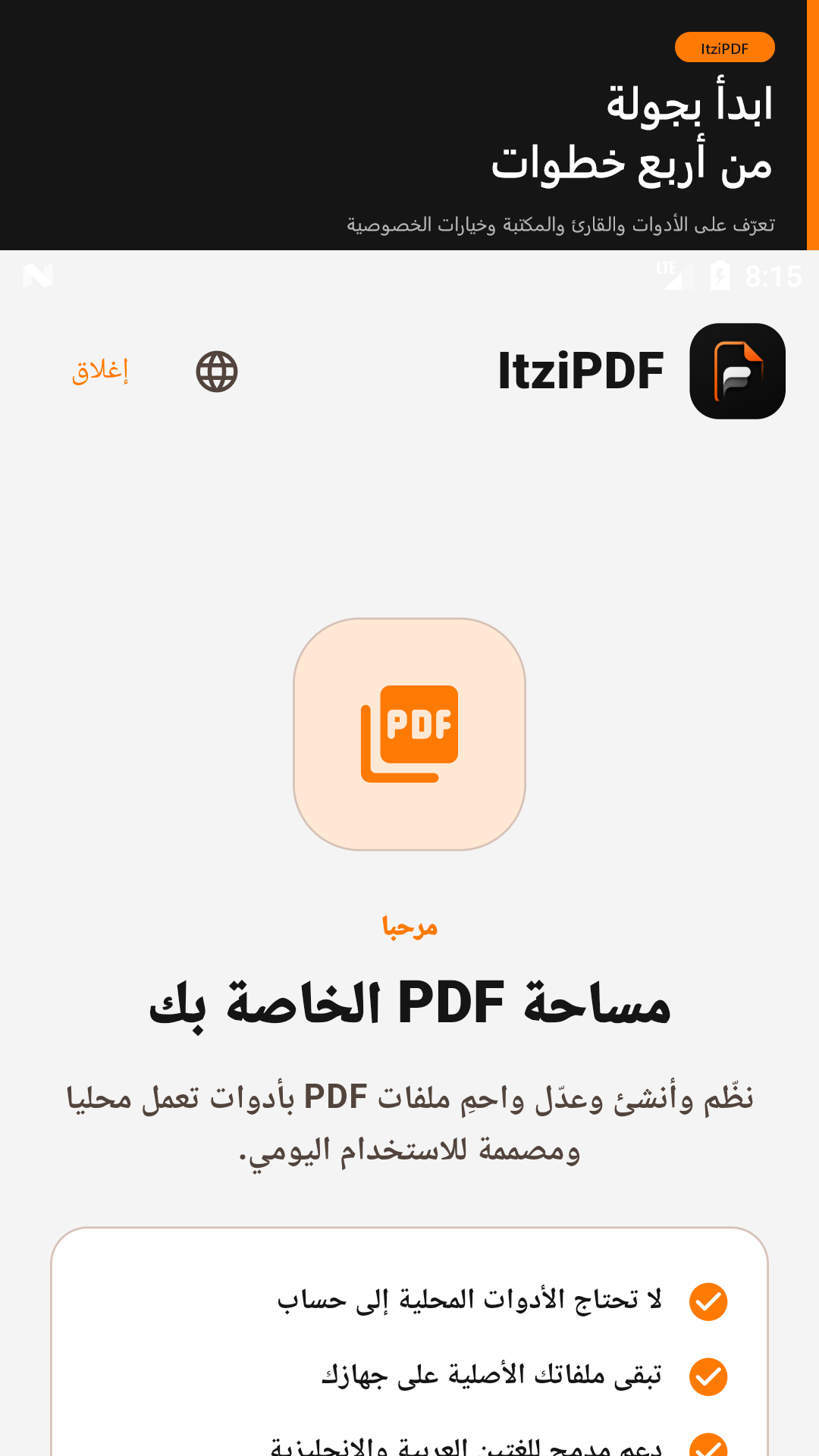
No account is required. The current release processes supported tools locally on your device, giving you greater privacy and control over your files.
What You Can Do
- Merge multiple PDFs into one document
- Split PDFs by page ranges, every page, or custom breaks
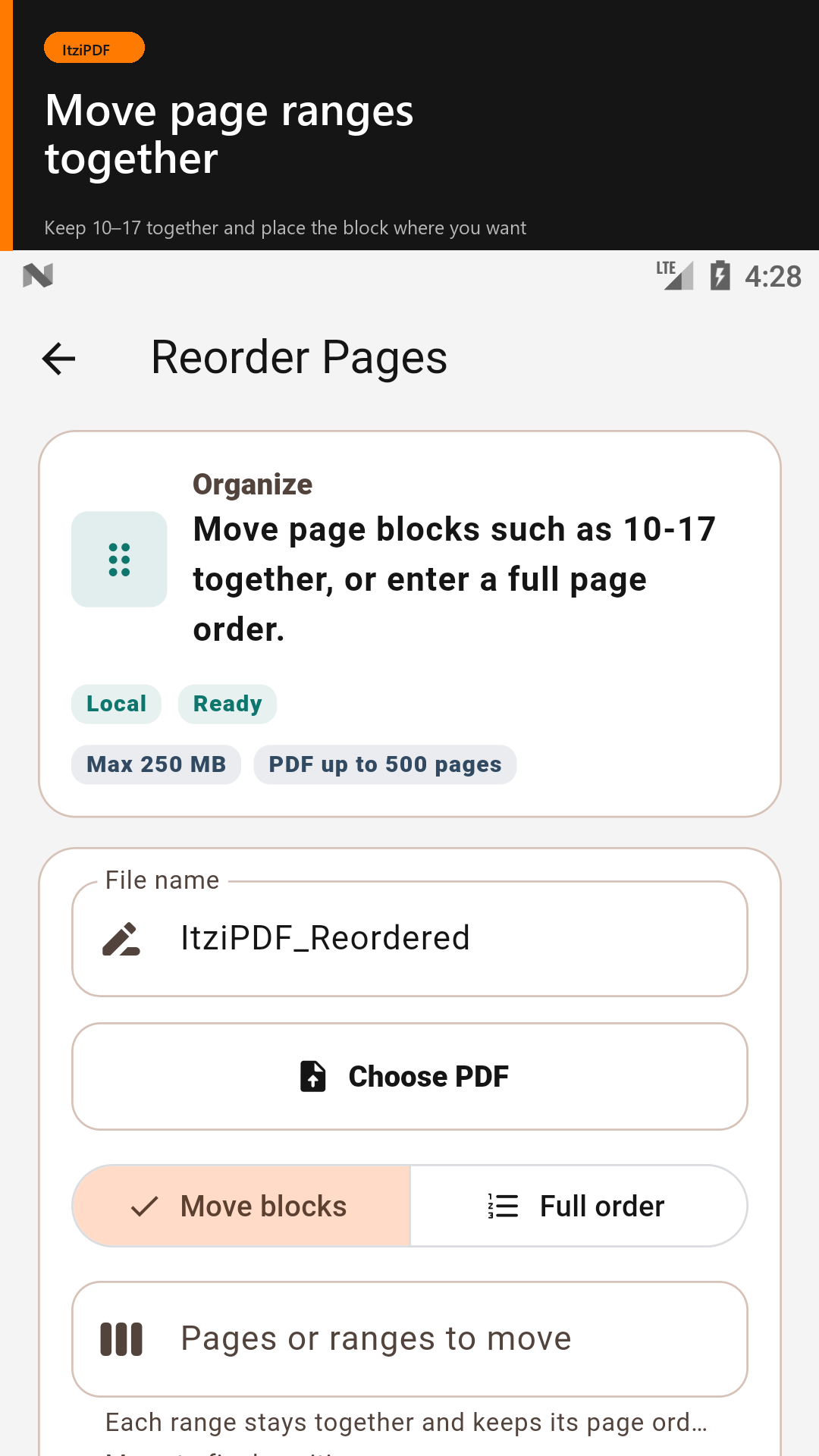
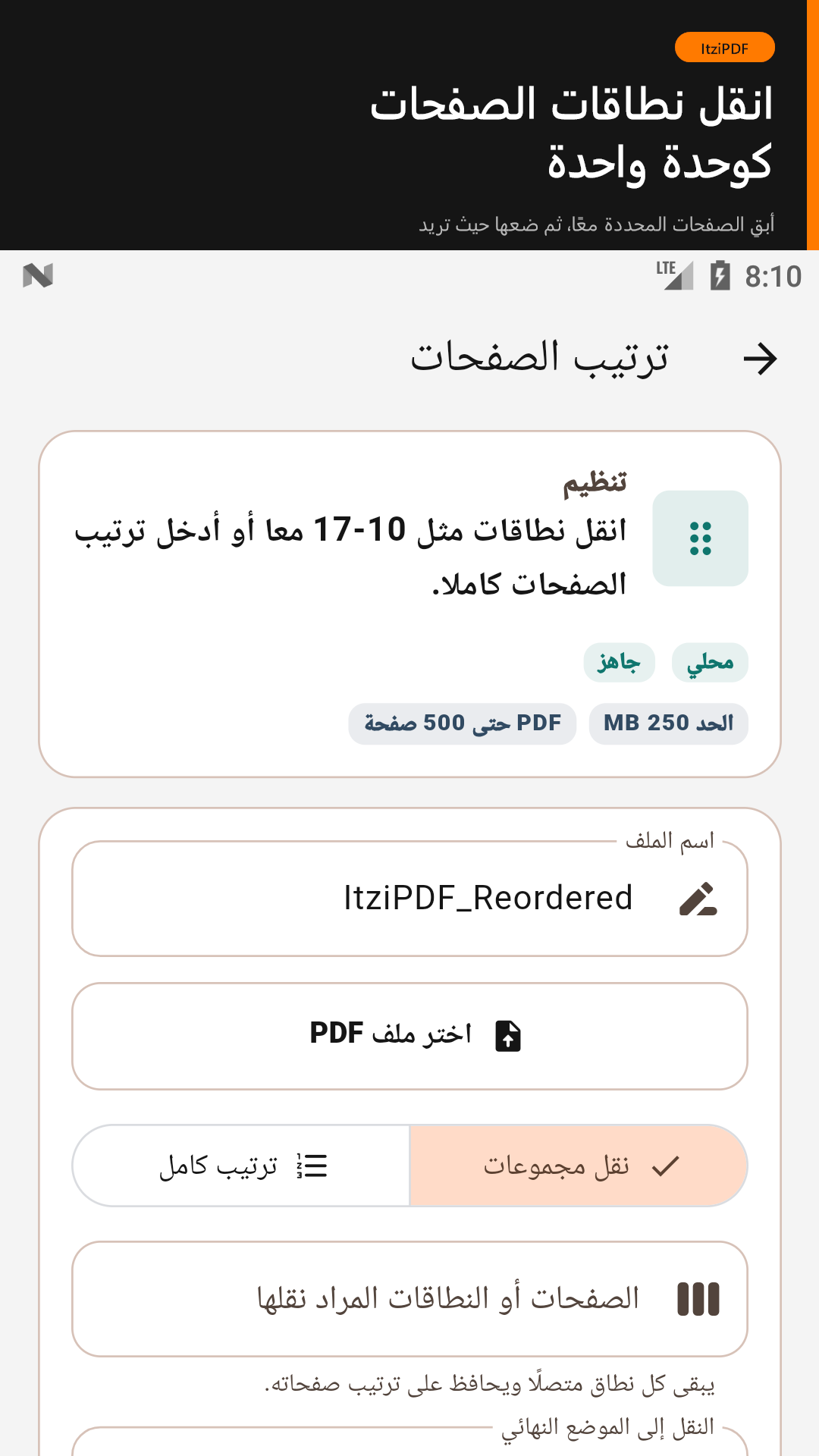
- Reorder, extract, remove, and rotate pages
- Compress PDF files
- Flatten annotations and form fields for a more stable copy
- Remove hidden document metadata
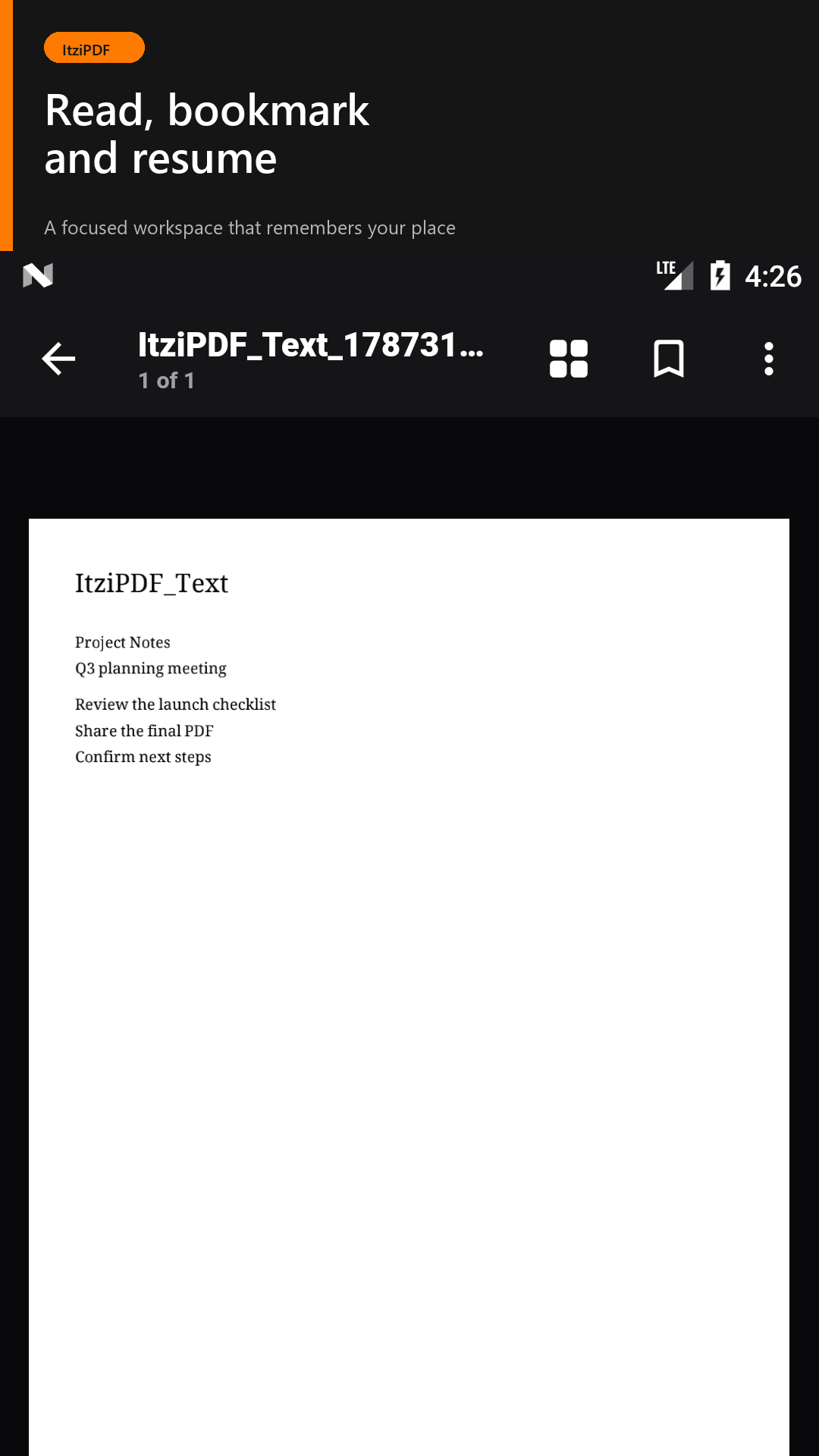
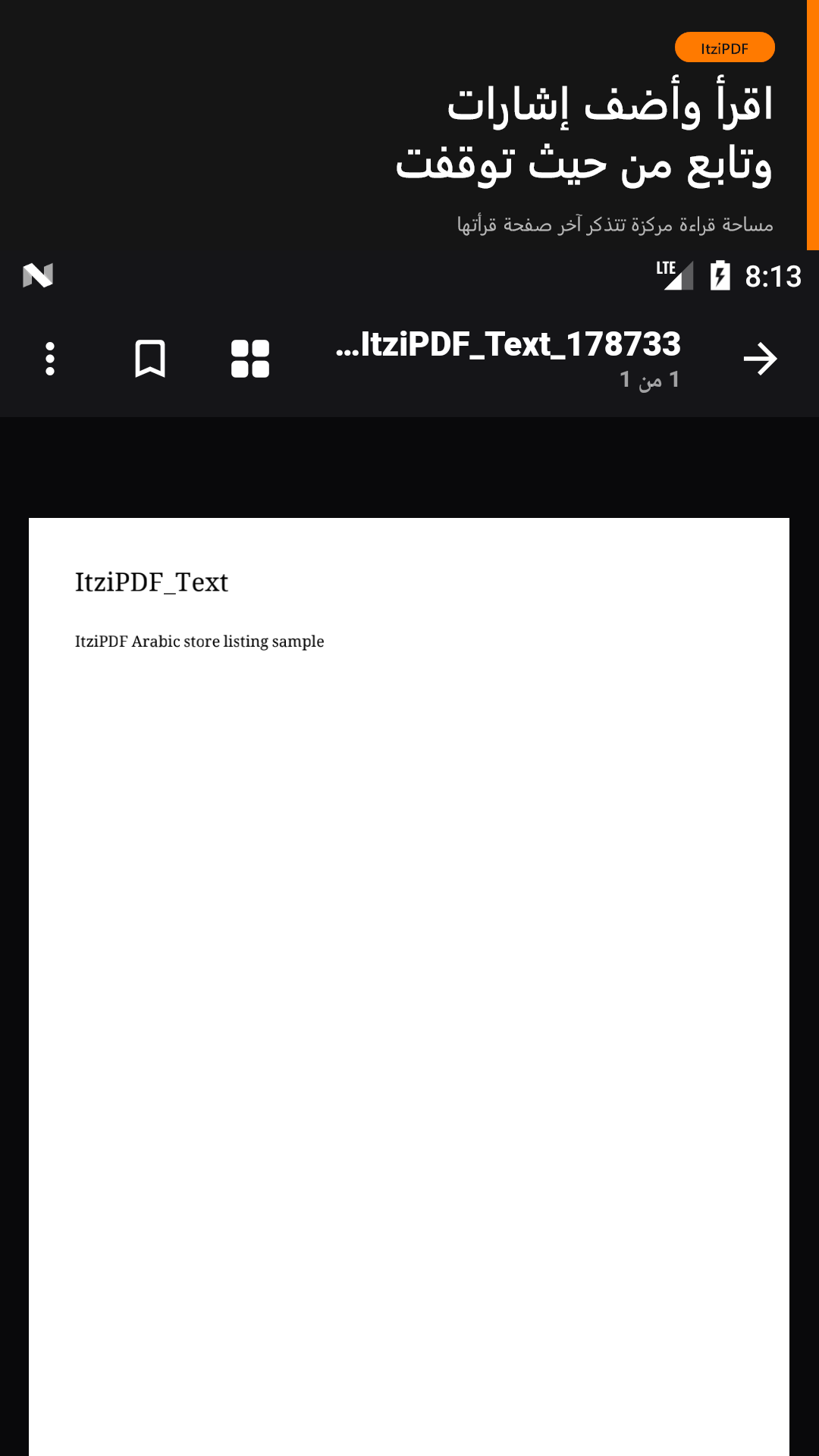
- Read PDFs with remembered page, bookmarks, view mode, rotation, and reading appearance
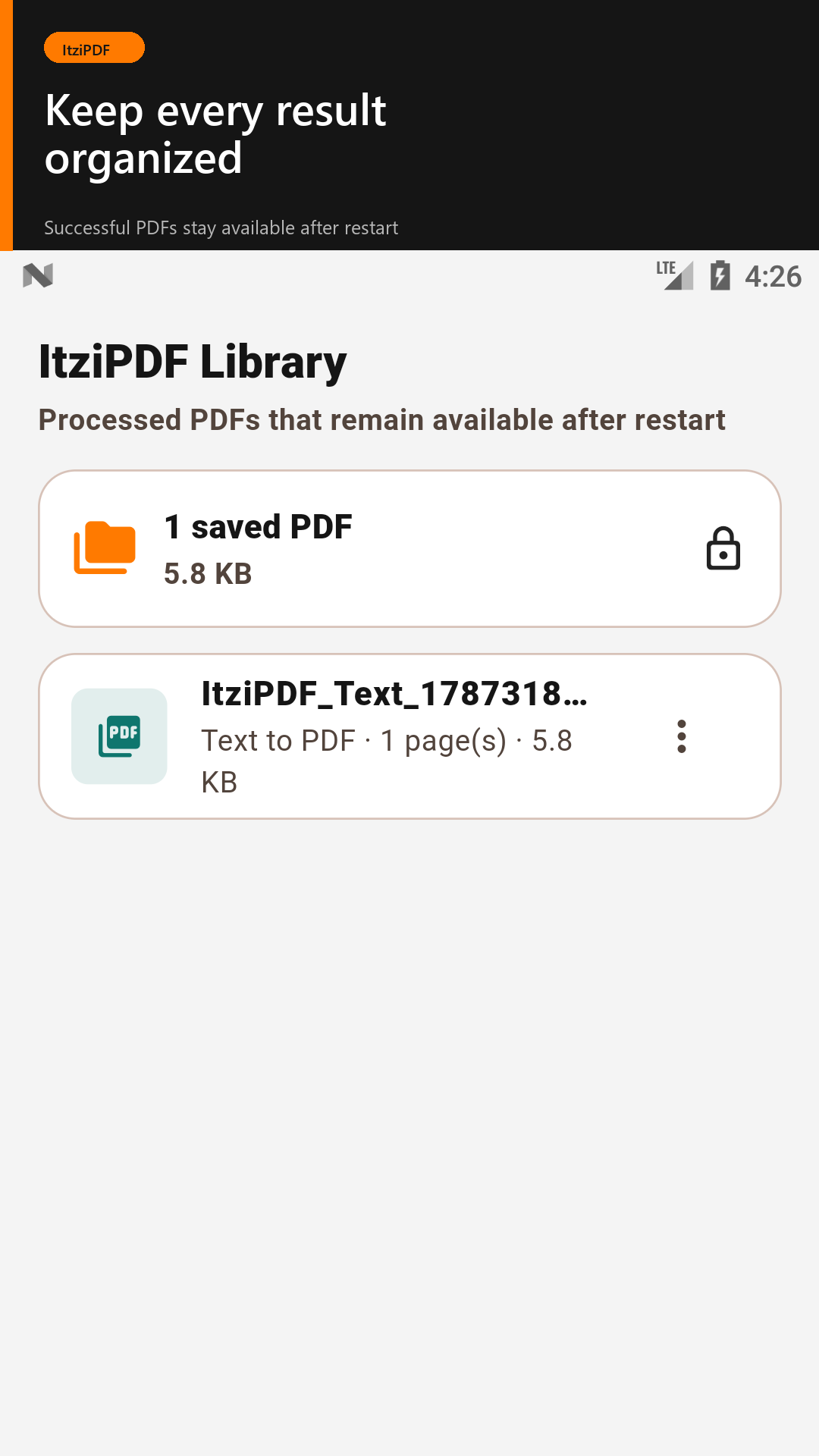
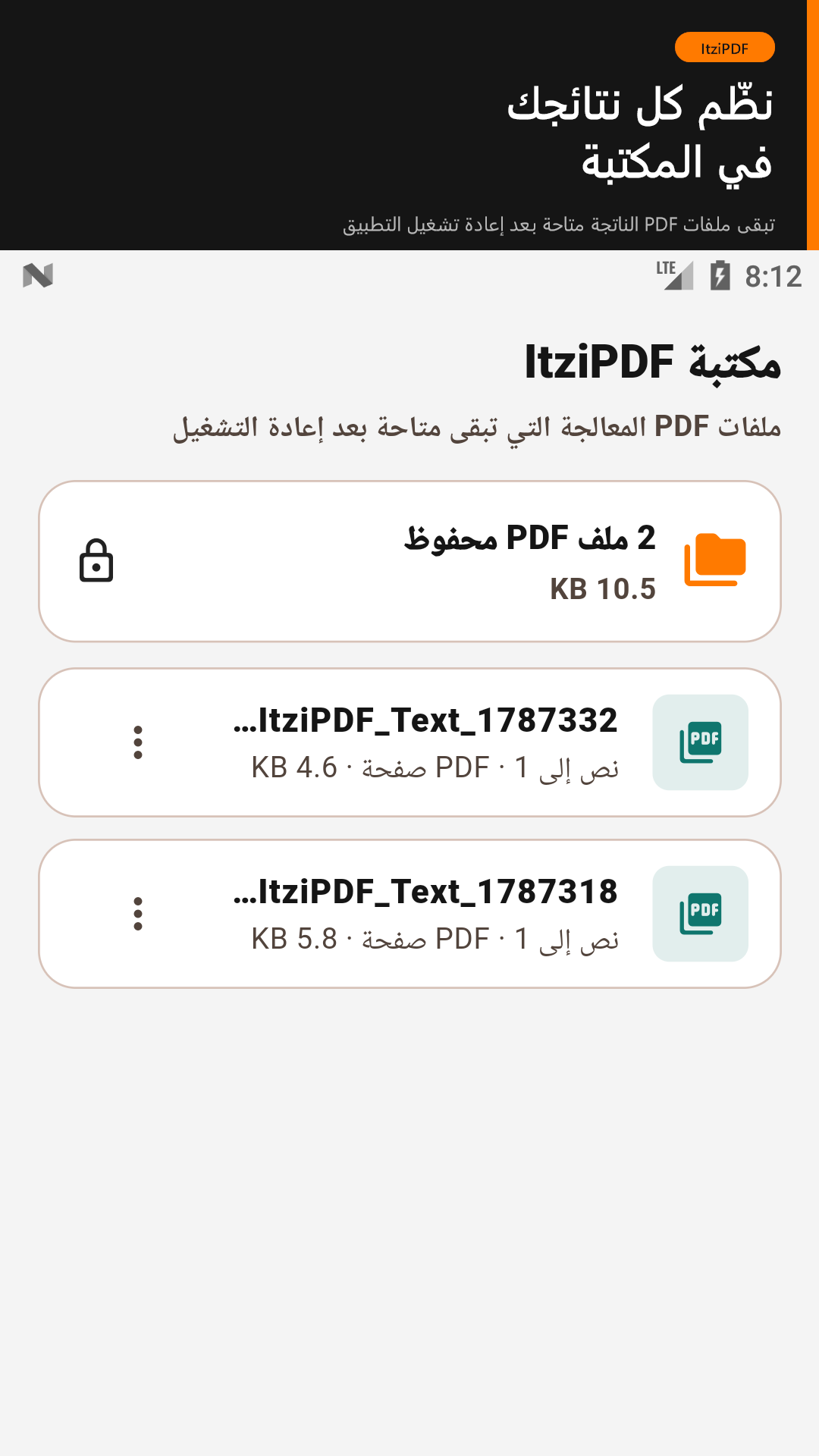
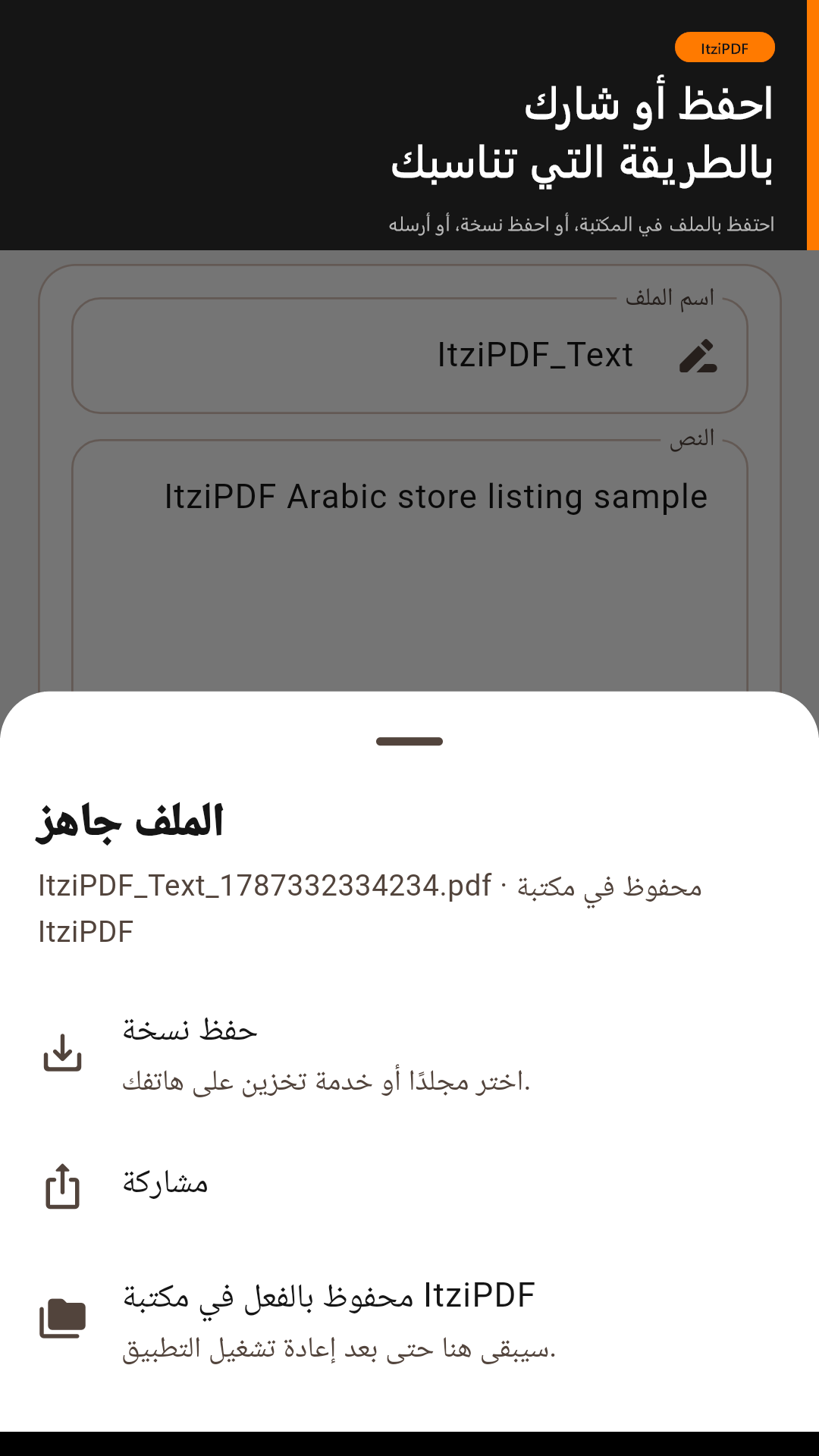
- Keep completed PDFs in a private on-device Library
- Review PDFs opened or shared from other Android apps
- Convert images into PDF
- Scan documents into PDF using your camera
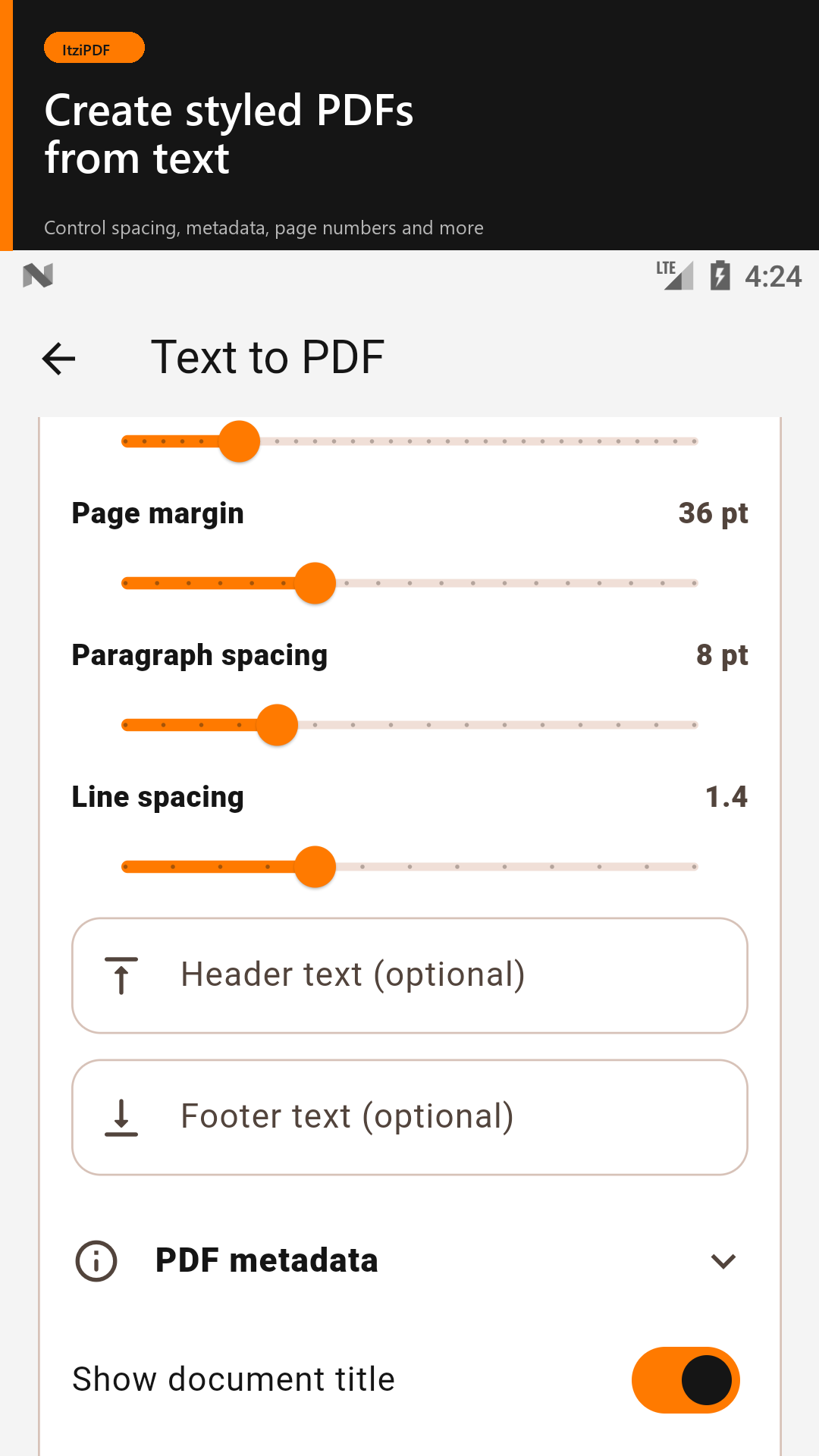
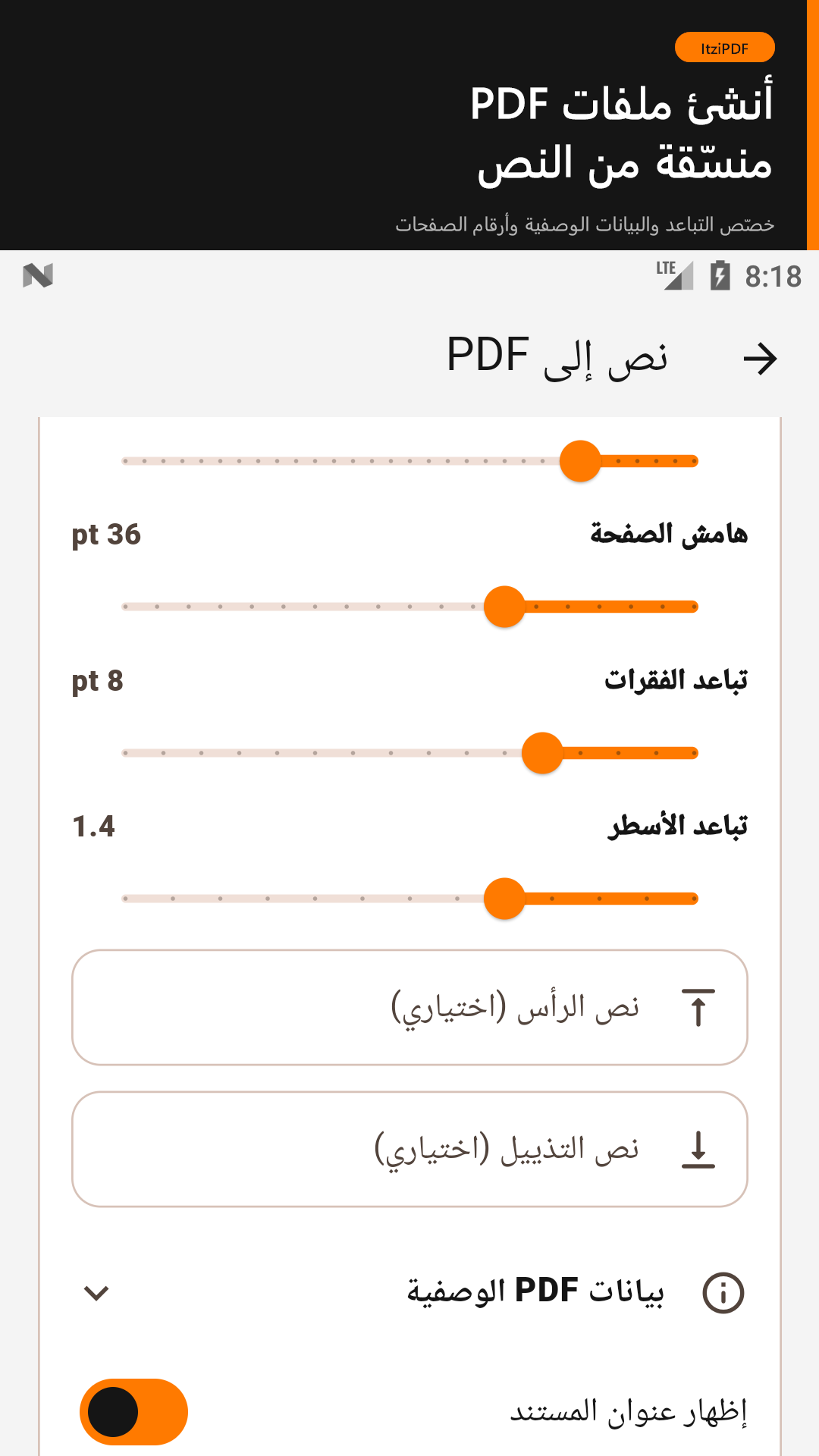
- Convert written or pasted text into PDF
- Add text or image watermarks
- Add customizable page numbers
- Protect PDFs with passwords
- Unlock PDFs when you know the password
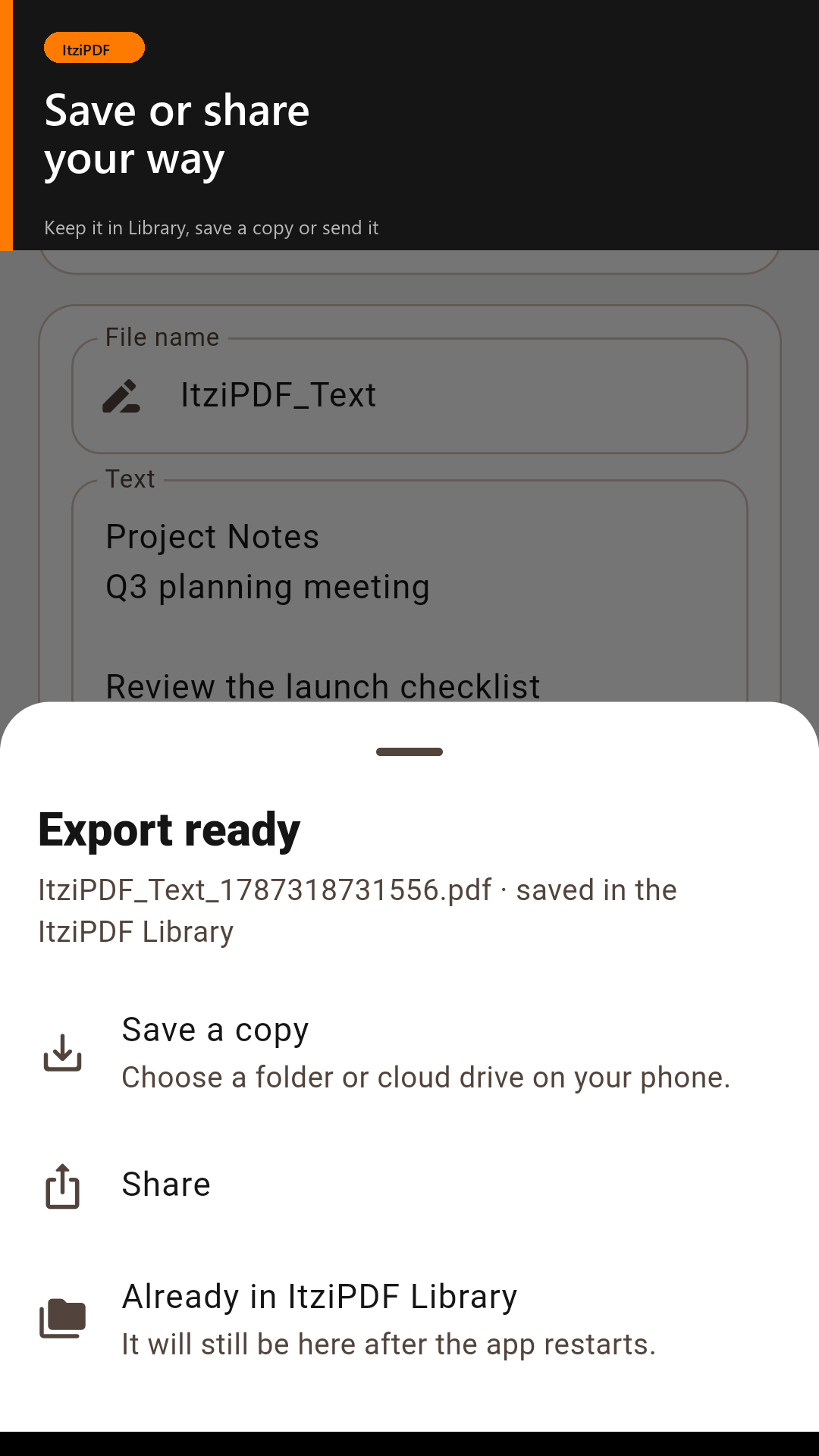
- Save extra copies to a selected folder or share processed documents
Designed for Privacy
Available tools in the current release work locally. Your documents are not uploaded to ItziGroup servers.
Files are accessed only after you select them. Completed PDFs are kept in the app's private Library unless you delete them, clear app data, or uninstall the app. Temporary input files may be stored in the app cache while processing.
Private Library and Reader
Completed PDFs are automatically cataloged in the private ItziPDF Library with basic local details such as filename, tool, page count, size, and creation time. Reader progress and preferences are remembered locally for up to 200 recent documents. These Library details, reader records, and preferences are not uploaded to ItziGroup in this release.
Made for English and Arabic
ItziPDF includes complete English and Arabic interfaces, with proper right-to-left layout support for Arabic users.
Why We Created ItziPDF
PDF tools are often scattered across different websites and applications. Many require users to upload personal documents to unknown servers.
We created ItziPDF to provide a simpler, more private, and accessible PDF workspace, especially for users who prefer processing documents directly on their phones.
Processing Limits
Limits protect your phone from excessive memory usage and overheating:
- PDF files: up to 250 MB
- Documents: up to 500 pages
- Merge: up to 20 PDF files
- Split: up to 5 output files
- Images to PDF: up to 60 images
- Individual image size: up to 25 MB
- Text to PDF: up to 250,000 characters
Actual performance depends on your device, available storage, memory, and document complexity.
Current Version
- Version: 1.0.3
- Build: 4
- Status: Available on Google Play
- Platform: Android
- Languages: English and Arabic
- Processing model: Local-first
- Developer: ItziGroup
- Last updated: August 25, 2026
Coming Later
Future releases may introduce OCR, annotations, signatures, form filling, PDF comparison, Office document conversion, advanced repair, and optional smart document tools. Features requiring external processing will be clearly identified before a document is uploaded.
Important Compatibility Note
Some operations, including PDF splitting on certain Android devices, may export rasterized pages for compatibility. This can affect text selection, searching, hyperlinks, forms, and accessibility information. Always review important output documents before submitting or sharing them.